
Chase
AI Sound Effect Generator: Add Sound Effects to Any Video
SFX Reel is an AI sound effect generator that watches your video and adds sound effects that match the action. You can also start from text.
Estimated: 10 credits · 1 credit / second, rounded up. Get credits
Explore sound effects
What Can You Create With This AI Sound Effect Generator?
Hear the same clip before and after: original video and prompt on the left, SFX Reel result on the right.
Video to SFX
AI video to sound effect, side by side. Play your original clip, then the version this AI sound effect generator made. Footsteps, wind, impacts, and room tone are matched to the action, and you can hear exactly what changed.
Text to SFX
Type what you want to hear, like rain on a tin roof or a laser blast, and get a sound effect you can download.
What Is an AI Sound Effect Generator?
An AI sound effect generator makes sounds from a description or a video, so you do not have to record them or dig through a library.
An AI sound effect generator is a tool that makes new audio from an input you give it. The input can be a written prompt or a video clip. The tool returns a sound effect you can download and use.
SFX Reel works with both. Upload a video and it adds footsteps, impacts, ambience, and other effects timed to what happens on screen. Type a prompt and you get a single sound. It works as a sound effect maker and sound effect creator for video, games, and podcasts.
The old way is to search a stock library, download a dozen files, trim them, and line them up by hand. An AI sound effect generator does that work in one pass, and every effect is generated for your clip.
AI Sound Effect Generator Key Features
Six things this AI SFX generator does for you, from the first upload to the final download.
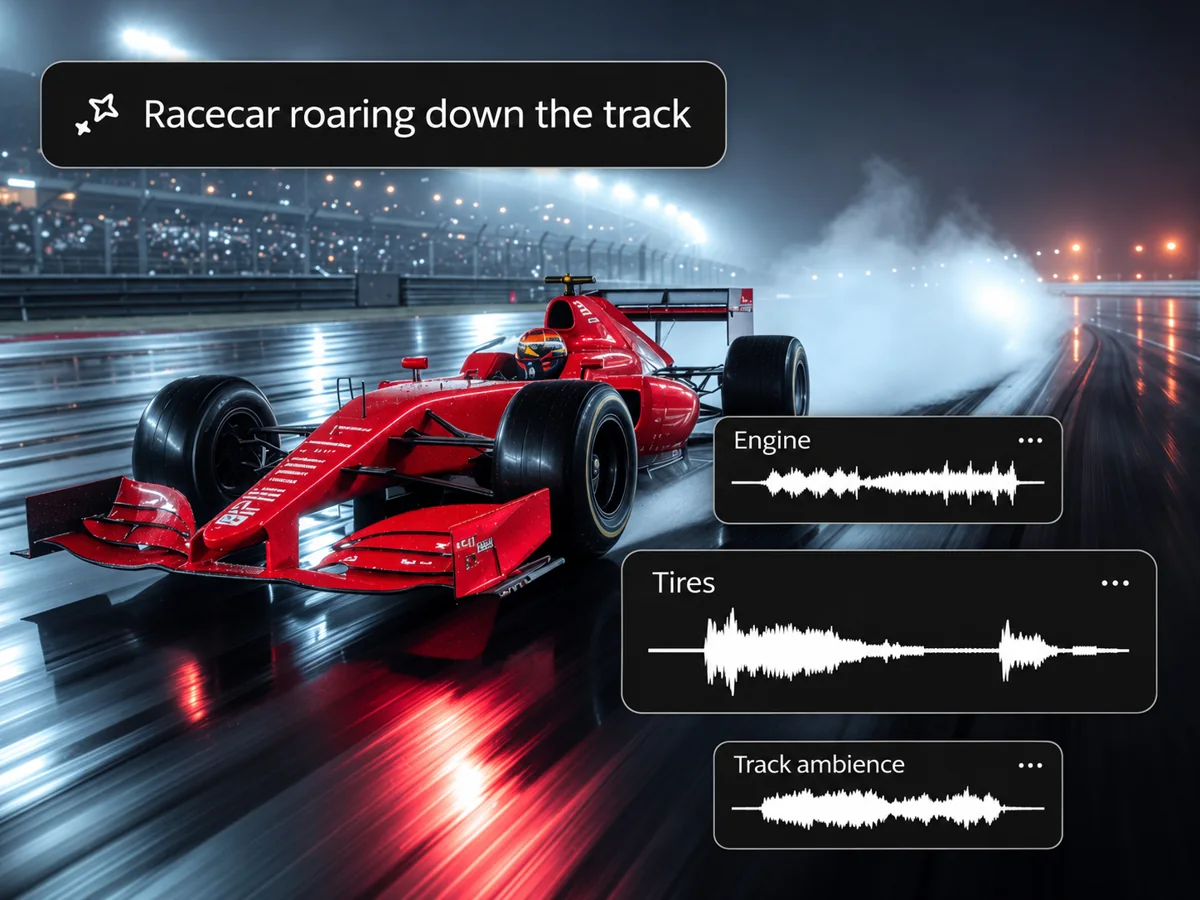
Sound synced to the action
SFX Reel reads the motion and setting in your video and places effects where the action happens. Footsteps land on each step. Use this AI sound effect generator to add sound effects to video without searching for files.
Consistent across clips
Stitched edits often jump between different ambiences. SFX Reel keeps background sound steady from clip to clip, so a full edit plays like one scene. You do not have to sound design each clip alone.

Keeps your dialogue
Speech in your clip stays in the final mix, and new effects sit under it. People can still be heard, and you do not need to split the voice track first. Interviews and vlogs keep their voice.
Removes unwanted music
AI video clips often arrive with music nobody asked for. This AI sound effect generator removes it and builds effects and ambience from your footage. Dialogue stays.
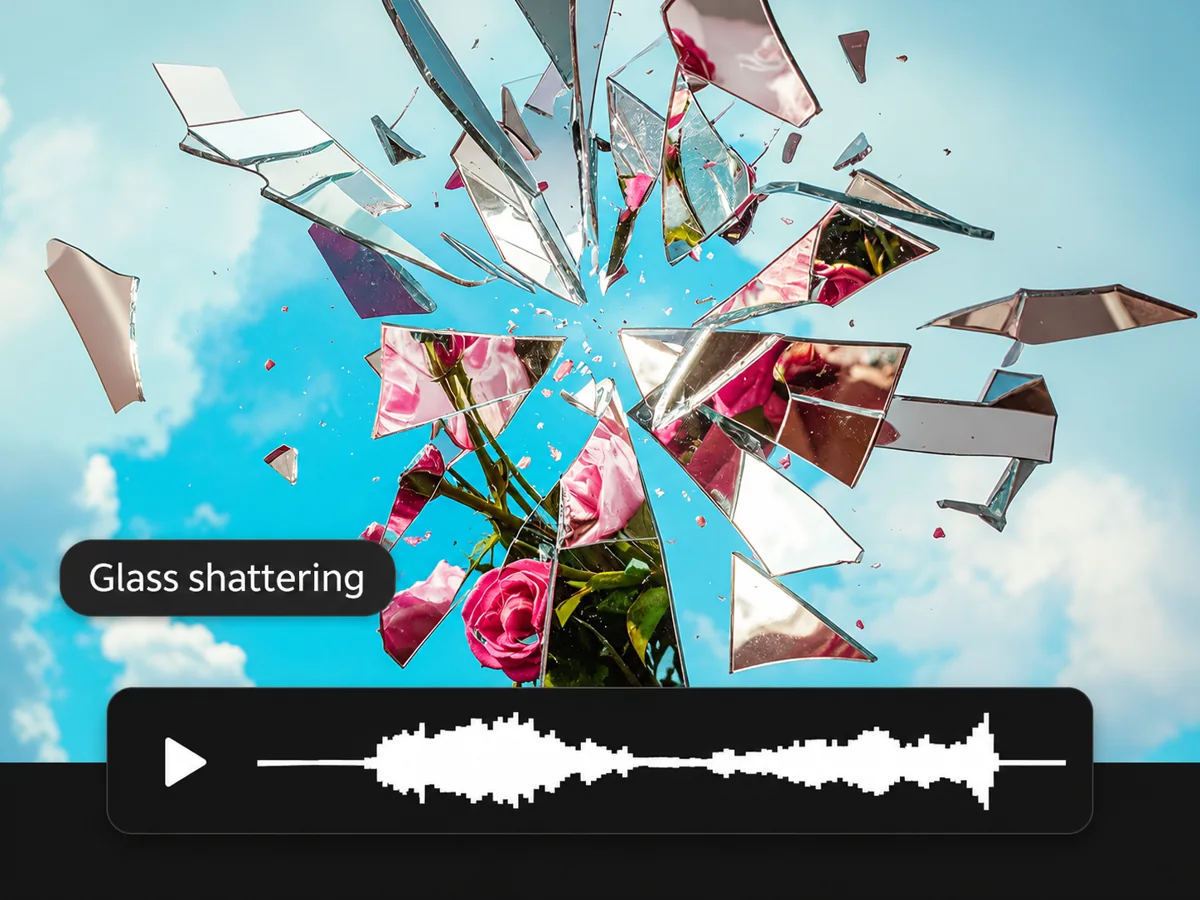
Video or text input
Start from a video or a written prompt. Add a negative prompt to tell the AI sound effect generator what to leave out, such as music or voices. Switch inputs with one tab.
Royalty-free, ready to use
Download your result and use it in videos, games, and podcasts. Every sound is generated for your project.
Start From a Category With the AI Sound Effect Generator
Pick a sound type, see example prompts, and generate from there with our sound FX generator.








How To Use the AI Sound Effect Generator
How to add sound effects to a video in three steps: upload, generate, download.
Upload your video
Pick Video to SFX in the AI sound effect generator and upload your clip, or try an example video first. Add a short prompt if you want to steer the sound.
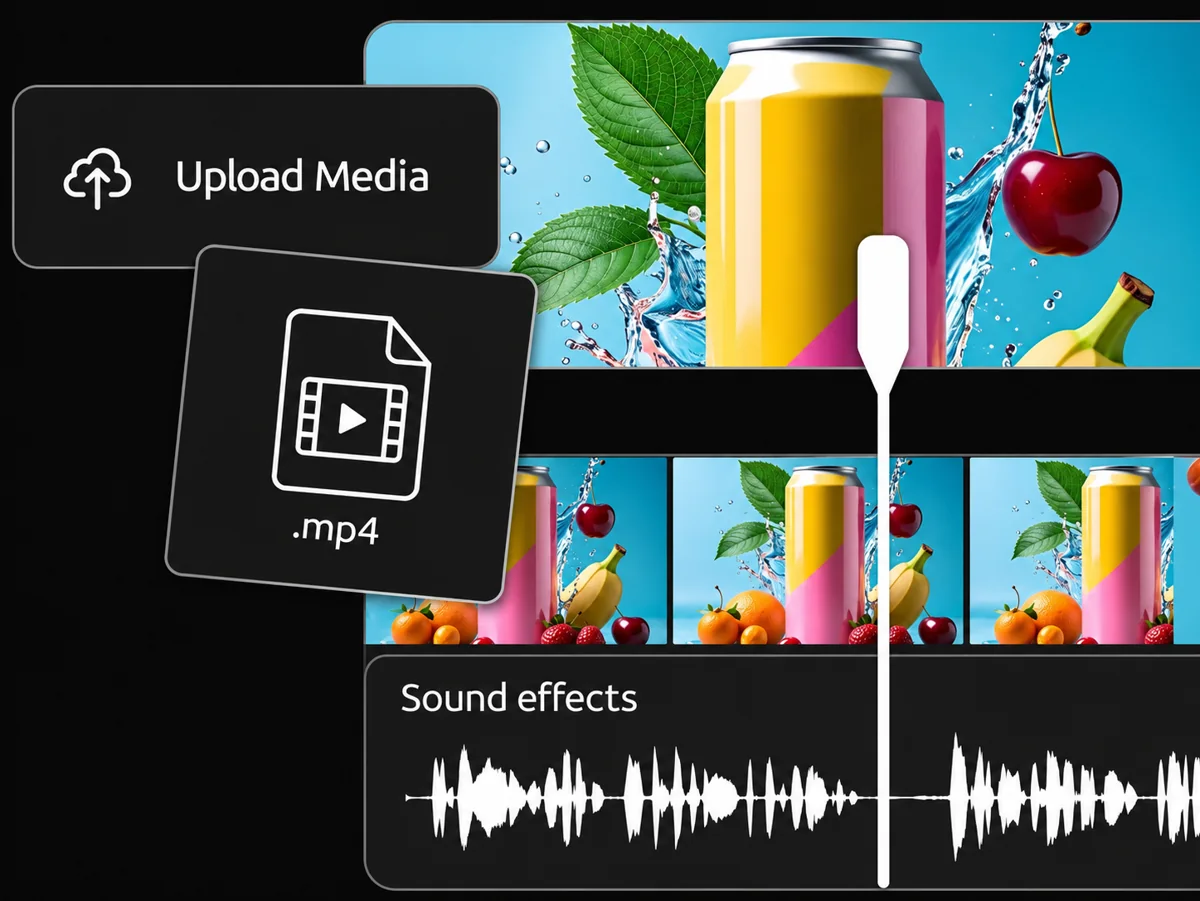
Generate your sound effects
Click Generate. The AI sound effect generator reads the footage, adds effects that match the action, keeps dialogue, and removes unwanted music. Use a negative prompt to leave sounds out.
Preview and download
Play the result next to your original. If it needs a change, adjust the prompt and generate again. Then download the file for your edit.
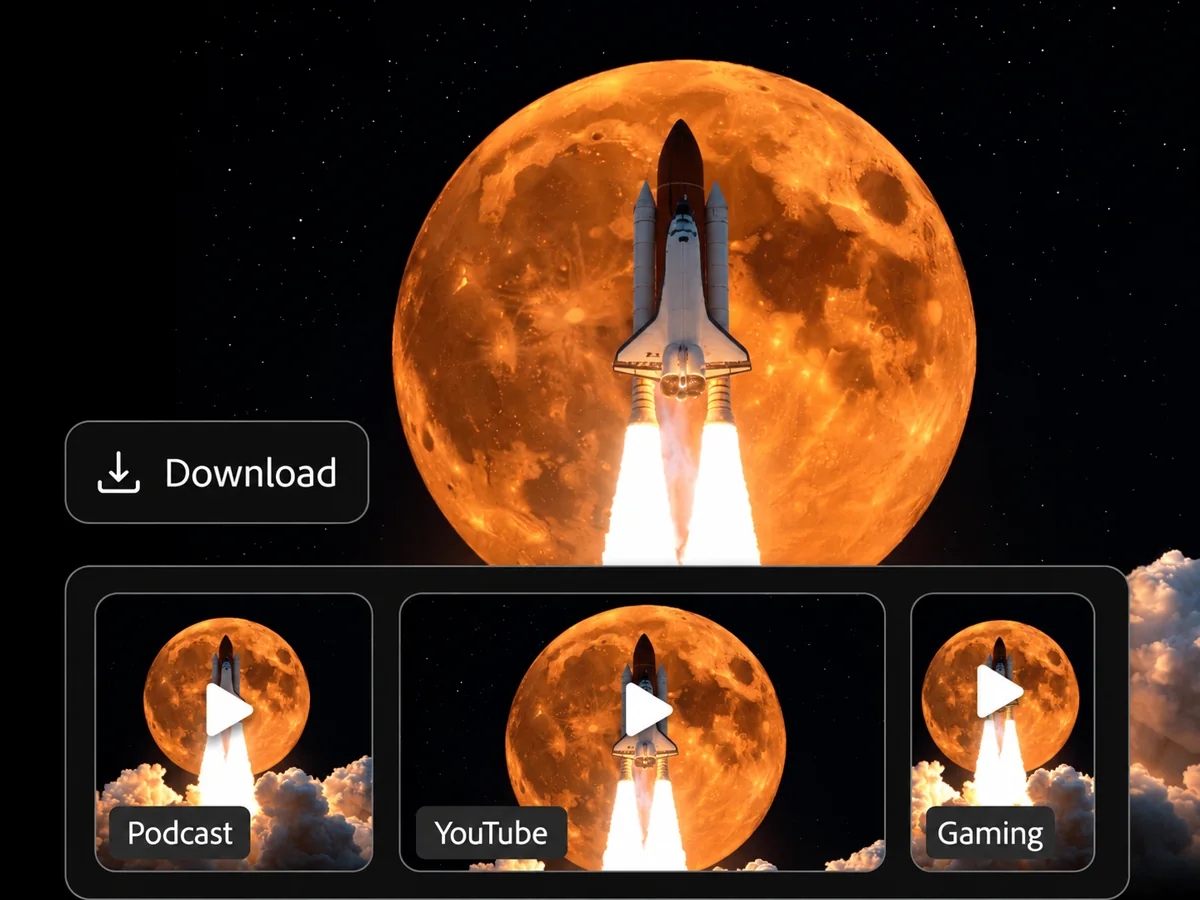
Prefer text? Switch tabs at the top of the generator and follow the same steps. Text to sound effect works the same way.
Tips for better results: describe the material and the place, name the sounds you want left out, and try a short clip first. The AI sound effect generator responds well to specific prompts.
Who Is This AI Sound Effect Generator Built For?
Short-form creators, AI video makers, editors, game developers, and marketers who need sound that fits the picture.
For short-form creators
Making Reels, TikToks, or Shorts on a deadline? Upload the clip, get effects that match each cut, and export without opening a sound library. This AI sound effect generator saves the hunt.
For AI video makers
AI video tools often return clips with no useful sound, or with music you did not ask for. This AI sound effect generator adds effects and clears the extra music in one step. It gives you AI sound effects for video without a second tool.
For film and video editors
Rough cuts need sound before they need polish. Generate a first pass of foley and ambience for the whole edit, then fine-tune the parts you care about in your editor.
For game developers
Need footsteps, UI clicks, or spell effects for a prototype? Type a prompt in this AI sound effect generator and get a sound you can drop into your build.
For ads and marketing teams
Test several versions of an ad without booking a sound designer for each one. Generate different effect sets from the same video and compare them.
SFX Reel vs ElevenLabs: AI Sound Effect Generator Compared
A plain comparison of this AI sound effect generator with the ElevenLabs sound effects page, checked on 2026-10-29. Where they do something better, we say so.
| SFX Reel | ElevenLabs sound effects page | |
|---|---|---|
| Input | Video or text | Text prompt |
| Reads your video footage | Yes, in Video to SFX | Not published on that page |
| Where it sits | Sound effects tool | Part of the larger ElevenCreative platform |
Pick SFX Reel when you start from a video and want effects placed for you, with dialogue kept. Pick ElevenLabs when you need one sound from text and want a large library to browse.
Looking for an AI sound effect generator alternative? Where ElevenLabs is ahead today: its library, its brand, and its wider platform. We are newer.
We checked the ElevenLabs page on 2026-10-29. If something there has changed since, tell us and we will correct this table.
AI Sound Effect Generator Pricing
Choose a one-time credit pack.
One-time purchase
Starter
$9.9one time
99 credits
Up to 1 min 39 sec of audio99 seconds total at 1 credit per second.About 9 × 10-second sound effects.
- Video to SFX
- Text to SFX
- No recurring subscription
One-time purchase
Plus
$29.9one time
299 credits
Up to 4 min 59 sec of audio299 seconds total at 1 credit per second.About 29 × 10-second sound effects.
- Video to SFX
- Text to SFX
- No recurring subscription
One-time purchase
Professional
$99.9one time
999 credits
Up to 16 min 39 sec of audio999 seconds total at 1 credit per second.About 99 × 10-second sound effects.
- Video to SFX
- Text to SFX
- No recurring subscription
Prices in USD. Audio duration is the total across generations, not a per-file limit. Each generation is billed in whole seconds, rounded up.
AI Sound Effect Generator FAQ
The most common questions about this AI sound effect generator, answered.
How does an AI sound effect generator from video work?
SFX Reel reads the visible action, timing, and setting in your video and generates sound effects timed to match. You get one soundtrack back for your clip.
Add a prompt to steer the result, or a negative prompt to leave sounds out. If the first pass is close but not right, change the prompt and generate again. It is a fast way to add sound effects to video when you want a first draft in minutes.
Does the AI sound effect generator keep the dialogue in my video?
Yes. Speech in your clip stays in the output, and new effects sit under it so people can still be heard. You do not need to split the voice track first.
This helps with interviews, vlogs, and any clip where someone is talking. If a sound competes with the voice, add it to the negative prompt and generate again.
Can this AI sound effect generator remove background music from an AI video?
Yes. Many AI video tools add music you did not ask for. SFX Reel removes that baked-in music and builds effects and ambience from your footage instead. Your dialogue stays. You can fix the sound without regenerating the video. If you want music, add your own track in your editor.
How do I use an AI sound effect generator from text?
Open the Text to SFX tab, type what you want to hear, and click Generate. Be specific: "rain on a tin roof, close microphone" works better than "rain". Add a negative prompt to leave out music or voices.
How is SFX Reel different from a sound effects library or a text-only AI sound effects generator?
A sound effects library gives you files to search, download, trim, and sync yourself. A text-only AI sound effects generator makes a sound from words, and you still place it on the timeline.
SFX Reel's Video to SFX reads your footage and places effects for you, with dialogue kept. If you only need one sound, Text to SFX does that too. If you need a very large browsable library, a dedicated library may suit you better.
What kinds of sounds can an AI sound effect generator make?
An AI sound effect generator can make footsteps, doors, impacts, wind, rain, crowds, UI clicks, magic spells, and sci-fi sounds, among many others.
Results depend on your prompt and your footage. Name the material, the place, and the mood. "Footsteps on wet gravel, slow walk" gives the AI sound effect generator more to work with than "footsteps". Add a negative prompt for anything you want left out.
Do I need sound design experience to use an AI sound effect generator?
No. You upload a clip or type a prompt, click Generate, and listen. There is no timeline to build and no files to sync.
If you already work in an editor, download the result and fine-tune it there. The AI sound effect generator gives you a first pass, and you decide what stays.
Try the AI Sound Effect Generator on Your Own Video
Upload a clip and hear it with sound effects added.